Scheduled High-Frequency Checks
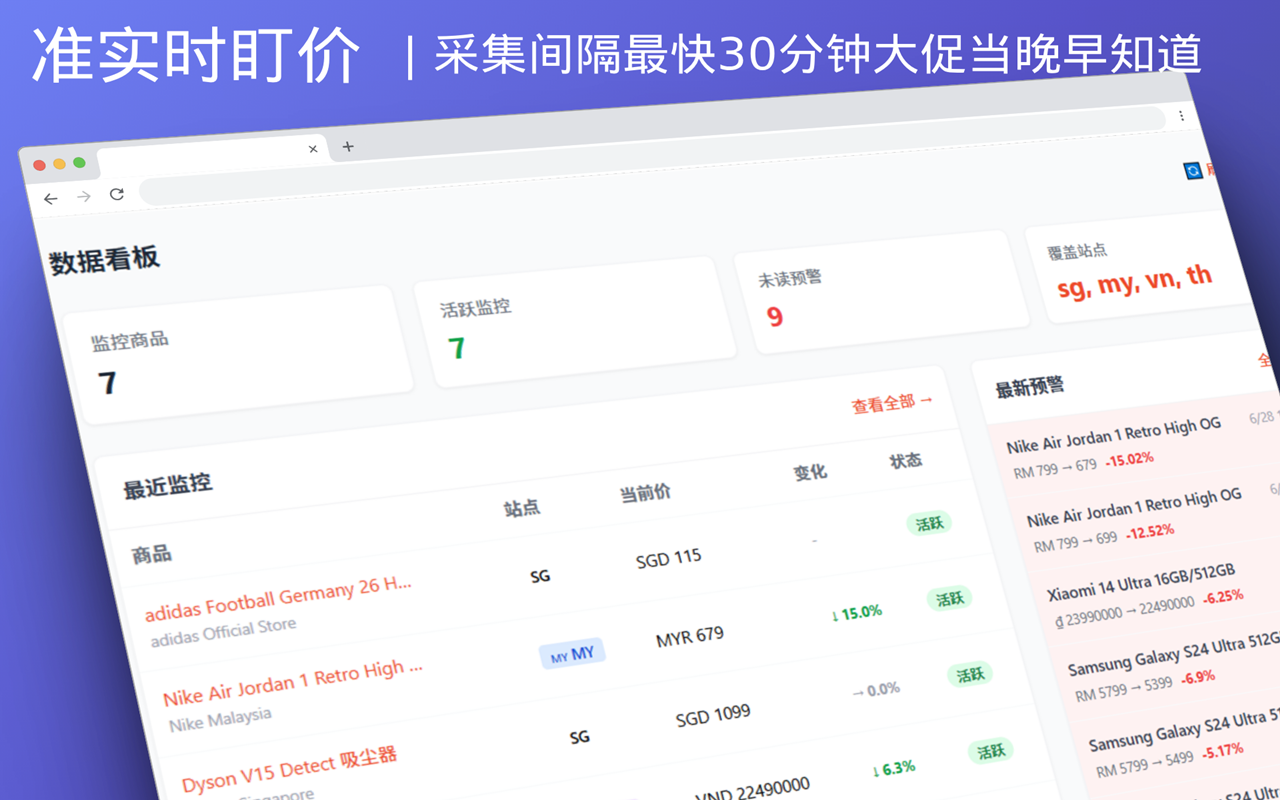
Competitors reprice several times a week. If your tool hands you one overnight report, you are always working from yesterday's price. So we keep it simple: fixed check slots — twice a day on Free, four times a day on Pro, covering morning through night. That is 2 to 4 times the cadence of T+1 tools that send a single daily report.
Key Features
- Free: 2 checks a day — one morning run, one afternoon run, enough for everyday competitor repricing
- Pro: 4 checks a day — morning, afternoon, evening and night, so mega-sale days don't slip through
- A published schedule, no "real-time" theatre — no tool can deliver second-level updates under Shopee's risk controls; a schedule you can plan around beats an inflated claim
Why cadence beats "real-time"
What sellers actually need is to know today and decide today, not a number that flickers every second:
| Situation | T+1 report tool | 2 checks/day (Free) | 4 checks/day (Pro) |
|---|---|---|---|
| Competitor drops price at 10:00 | You learn tomorrow morning | You see it this afternoon | You see it this afternoon |
| Competitor drops price at 21:00 | You learn the day after tomorrow | Only the next day | Same evening or overnight |
| Multiple reprices in one sale day | Only the closing price | Two main windows | Four windows across the day |
Check schedule
Each run happens at a random moment inside its window, mimicking normal browsing so a fixed rhythm never looks machine-generated to the platform.
Free — 2 checks a day
| Window | Time | Checks |
|---|---|---|
| Morning | 07:00 — 12:00 | ×1 |
| Afternoon | 12:00 — 17:00 | ×1 |
Pro — 4 checks a day
| Window | Time | Checks |
|---|---|---|
| Morning | 07:00 — 12:00 | ×1 |
| Afternoon | 12:00 — 17:00 | ×1 |
| Evening | 17:00 — 21:00 | ×1 |
| Night | 21:00 — 07:00 (next day) | ×1 |
Compliant collection
We only collect from publicly accessible Shopee product pages — no seller-backend login, no private endpoints. Every run uses a random moment and human-like pacing, in line with the platform's user agreement and robots policy. If risk controls tighten, we postpone throttled runs instead of hammering harder.
What happens after a check
A check is not just "the price changed". Each run feeds three things:
- Threshold alerts — a drop past your threshold (3% by default) pushes a Feishu or desktop notification
- Price history — every run is written into the price time series behind the price trend chart
- AI decisions — Smart Follow reads price, sales increment and rating together and returns Follow / Hold / Raise advice
For what happens after the check, see Instant Alerts and Daily Price Brief.
Visit the downloads page to get started, or see pricing plans for Pro details.
Other Features
- Instant Alerts — Feishu push as soon as a drop crosses your threshold
- Daily Price Brief — yesterday's price moves summarised at 8 AM
- Price Trend Chart — trends that inform pricing decisions